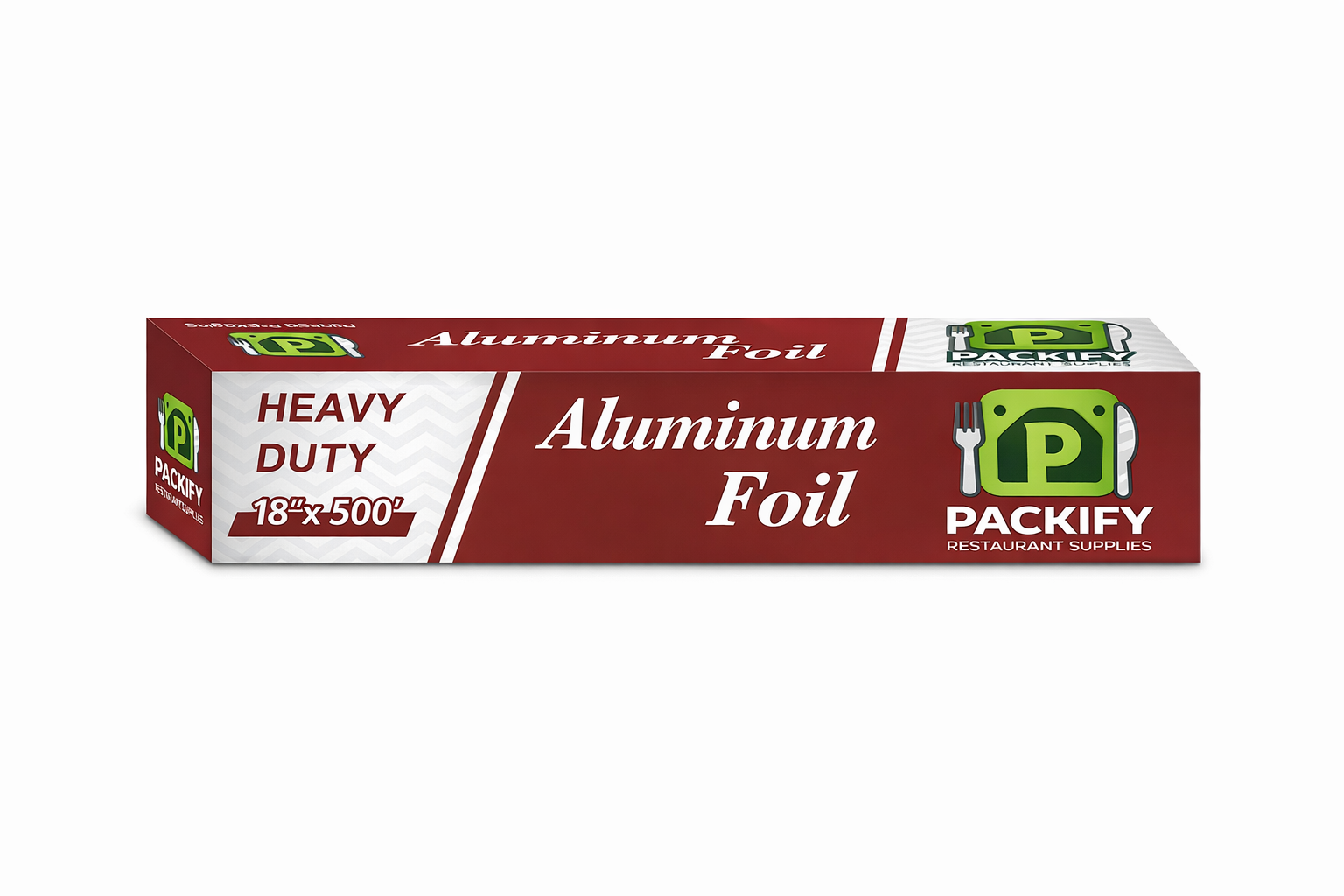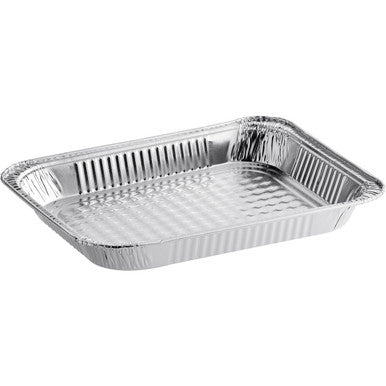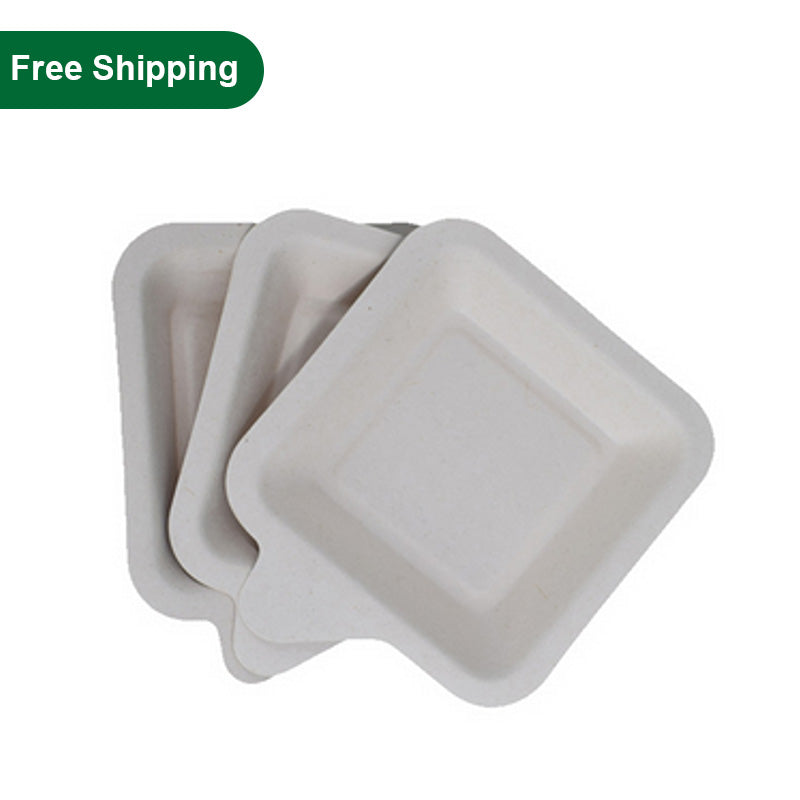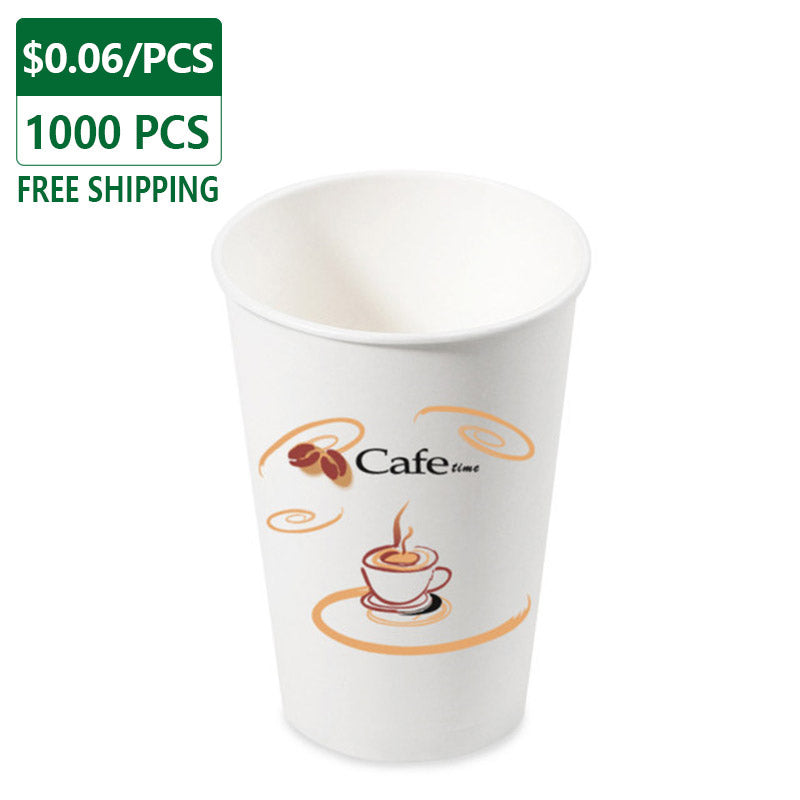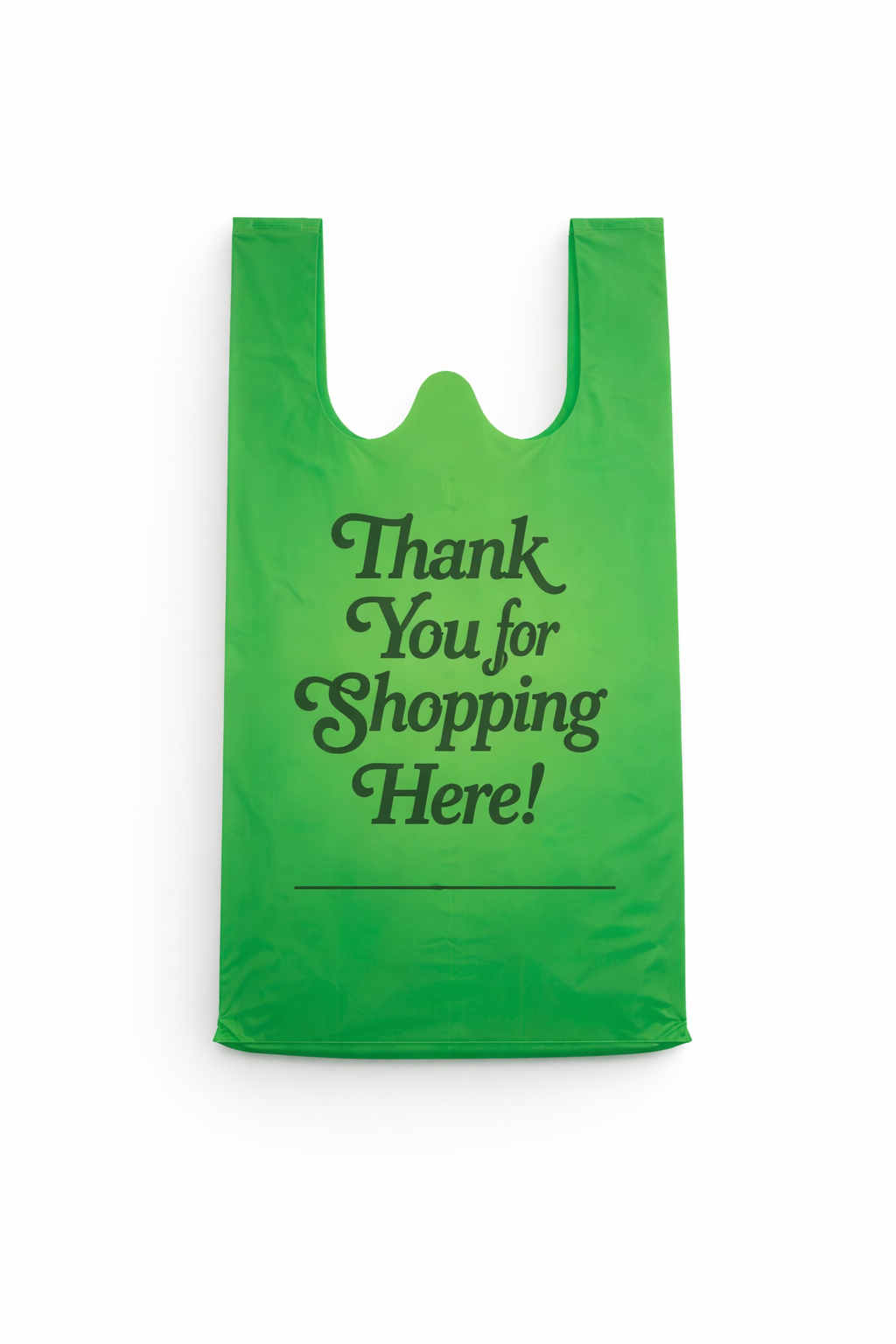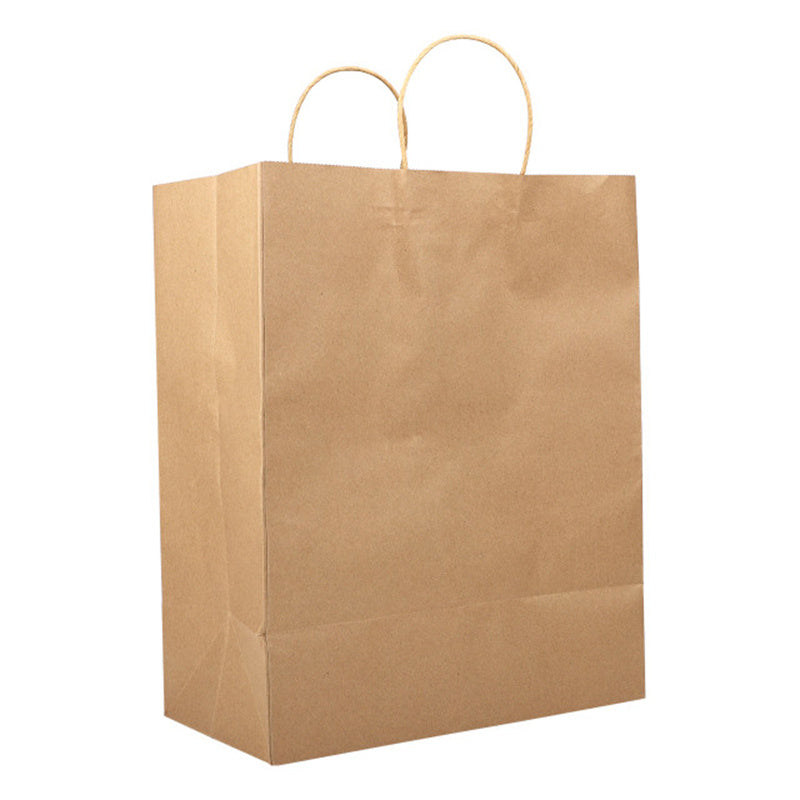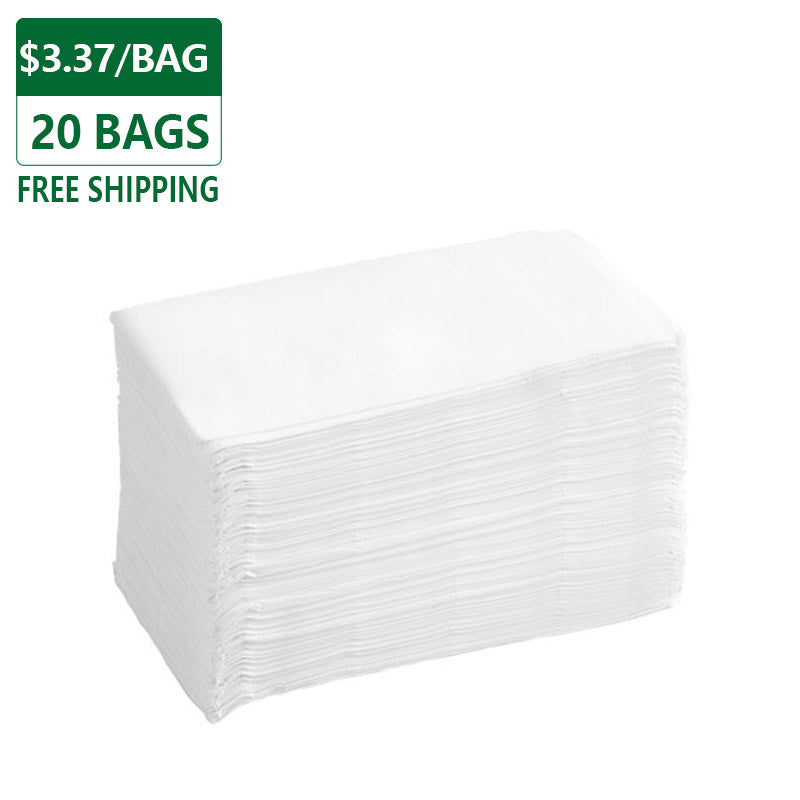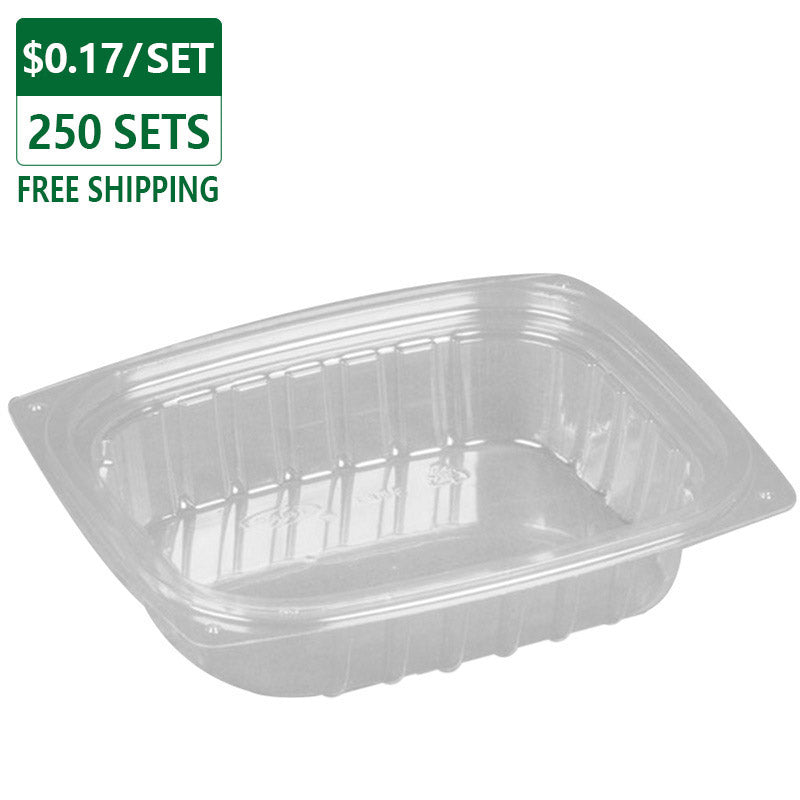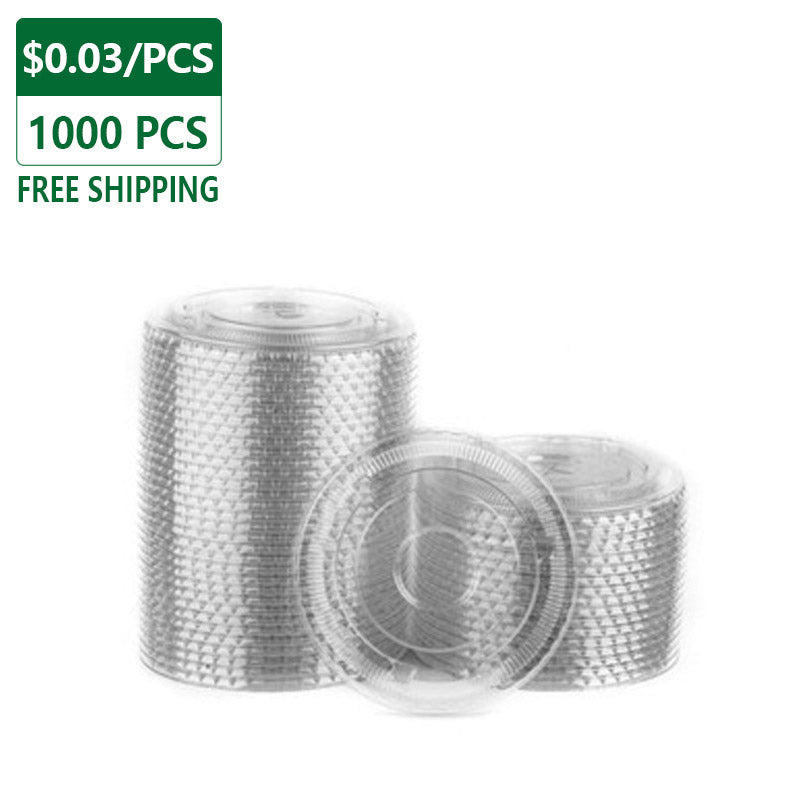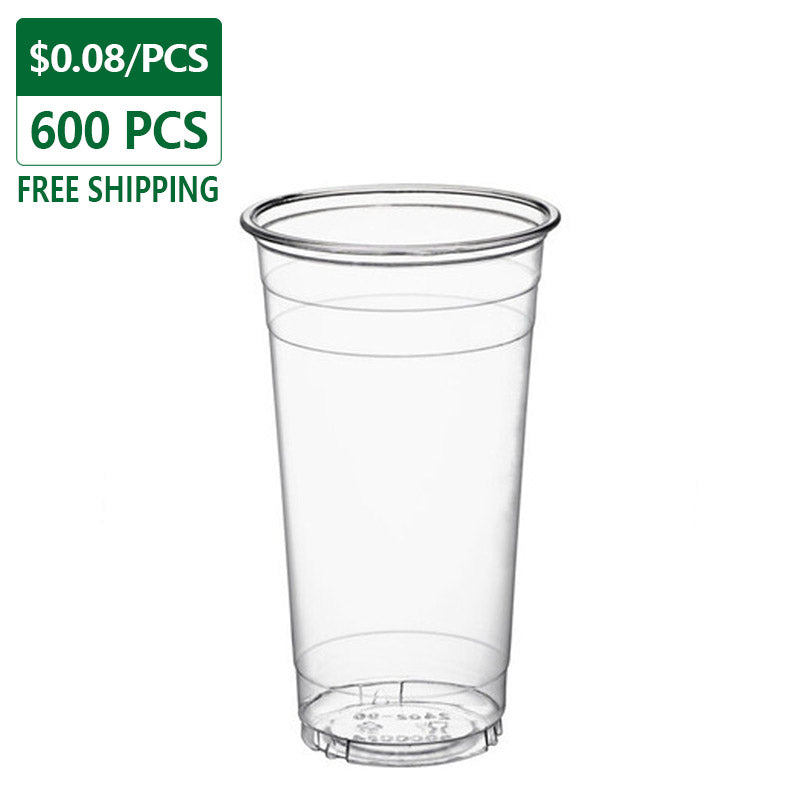
You are viewing the catalog filtered by category Cold Cups.
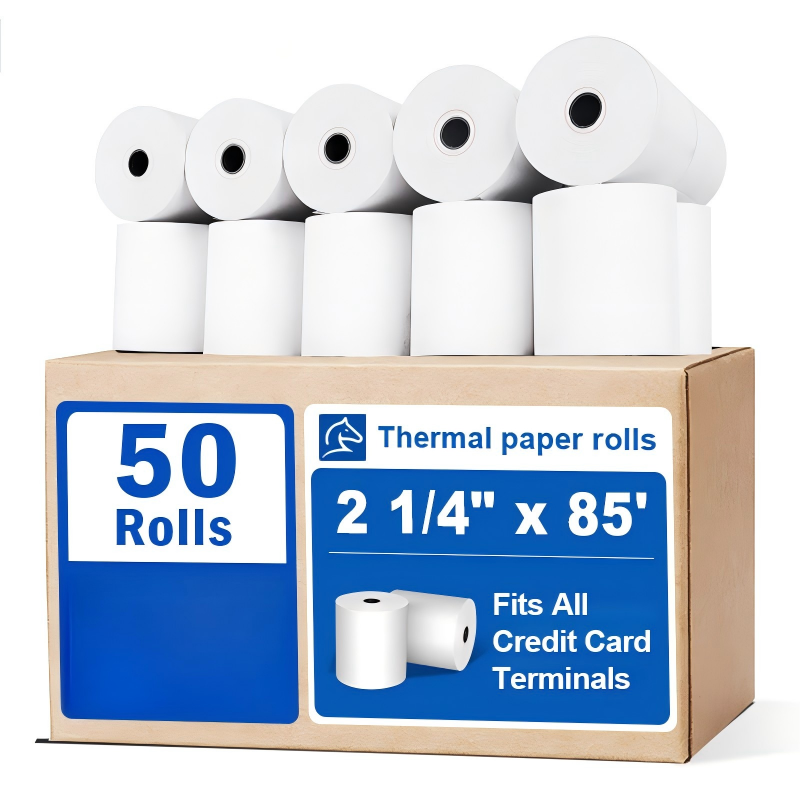
Shop by category

Explore every active catalog category through a clearer storefront read

We surface active main categories and subcategories without trimming the tree so customers can browse the full assortment and jump into the right filter faster.

Visible stock before checkout

Customers see real availability in the catalog and only add products with active inventory.

View catalog

Clear and direct checkout

The order is registered with complete data for commercial coordination and payment follow-up from the main platform.

Go to checkout

Shop by real categories

The storefront groups references by family so the buying journey stays shorter and more organized.

Explore categories

Featured selection

Products with the highest commercial priority

View all

Buying process

A clearer commercial flow that converts better

1. Explore the catalog

Filter by category or search to find active products ready to buy.

2. Add only products with stock

The cart validates availability and prevents checkout with sold-out or unpublished items.

3. Place your order

Complete your information, confirm shipping details and leave the order ready for local coordination.

FAQ

Key questions about buying, stock and checkout

Useful content for customers and also to strengthen storefront SEO semantics.

How does shopping work at Packify?

You can browse the catalog, add in-stock products to the cart and complete the order with your shipping details through the Packify checkout.

Can I buy out-of-stock products?

No. The system blocks checkout when a product has no available inventory in order to avoid inconsistent orders.

Which payment method is active?

For now, the store registers orders so the commercial team can coordinate payment and delivery.

Can I filter by categories?

Yes. The store lets you browse active categories to find product families faster.